
 BY NUMBER7 AI
AIdaptIQ feature films
See the product.
Follow the invoice.
Start with the recorded product walkthrough. Then use four short animated examples to understand the invoice decisions, inspect the sources and find your team’s next step.
Recorded product workflow
Start with the actual product.
Recorded product walkthrough · playback begins at 00:41.
Four short explanations
Choose the question your team faces.
Watch the decision, then inspect the PDF or evidence history behind it.
 Watch 70s
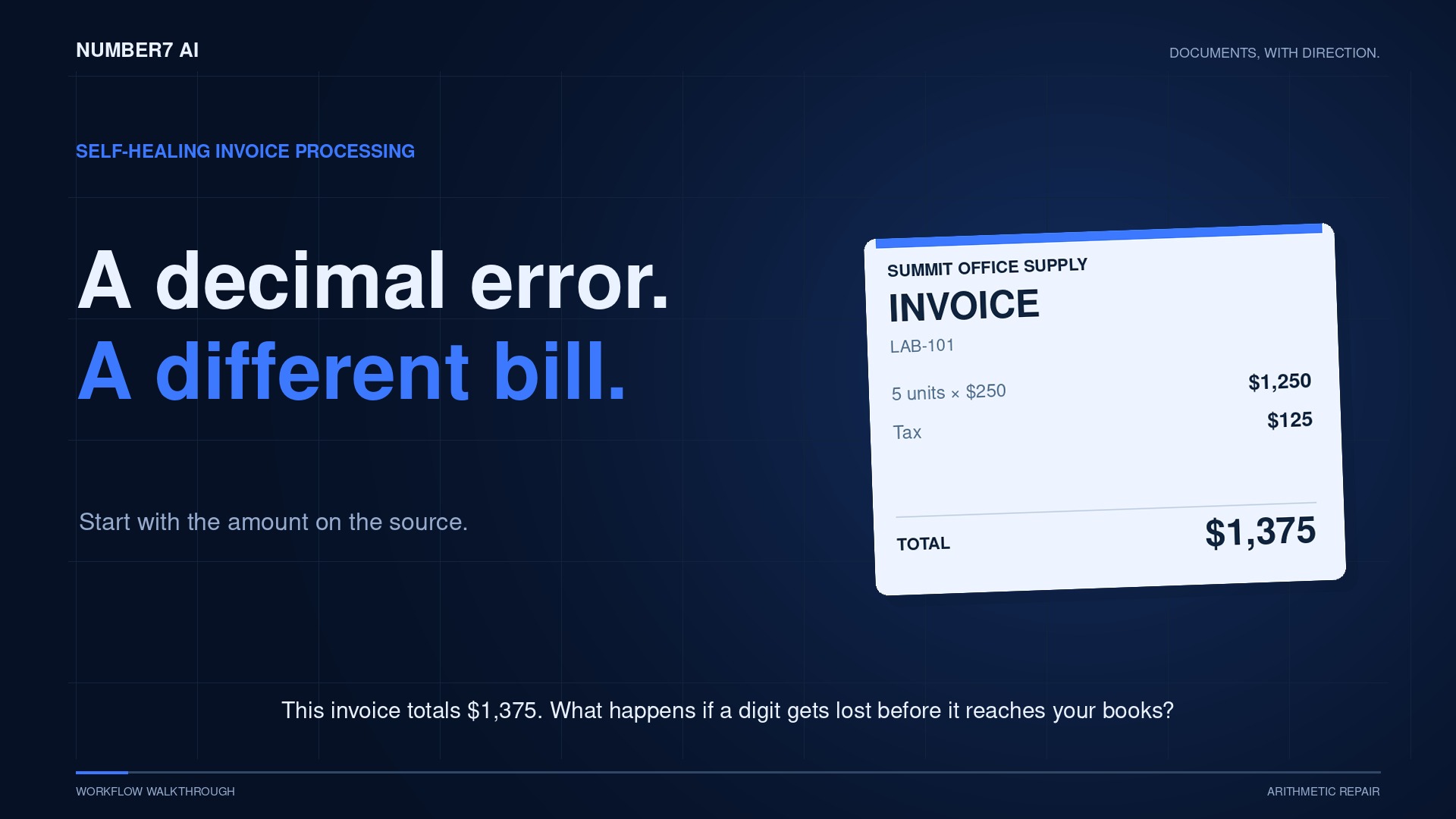
Animated workflow explanation 0170s · animated example
A decimal error should not become a bill
AIdaptIQ checks quantity, price, subtotal, tax and total together. Recoverable extraction errors are repaired against the source; conflicting supplier evidence remains for review.
Original example PDF included
 Watch 70s
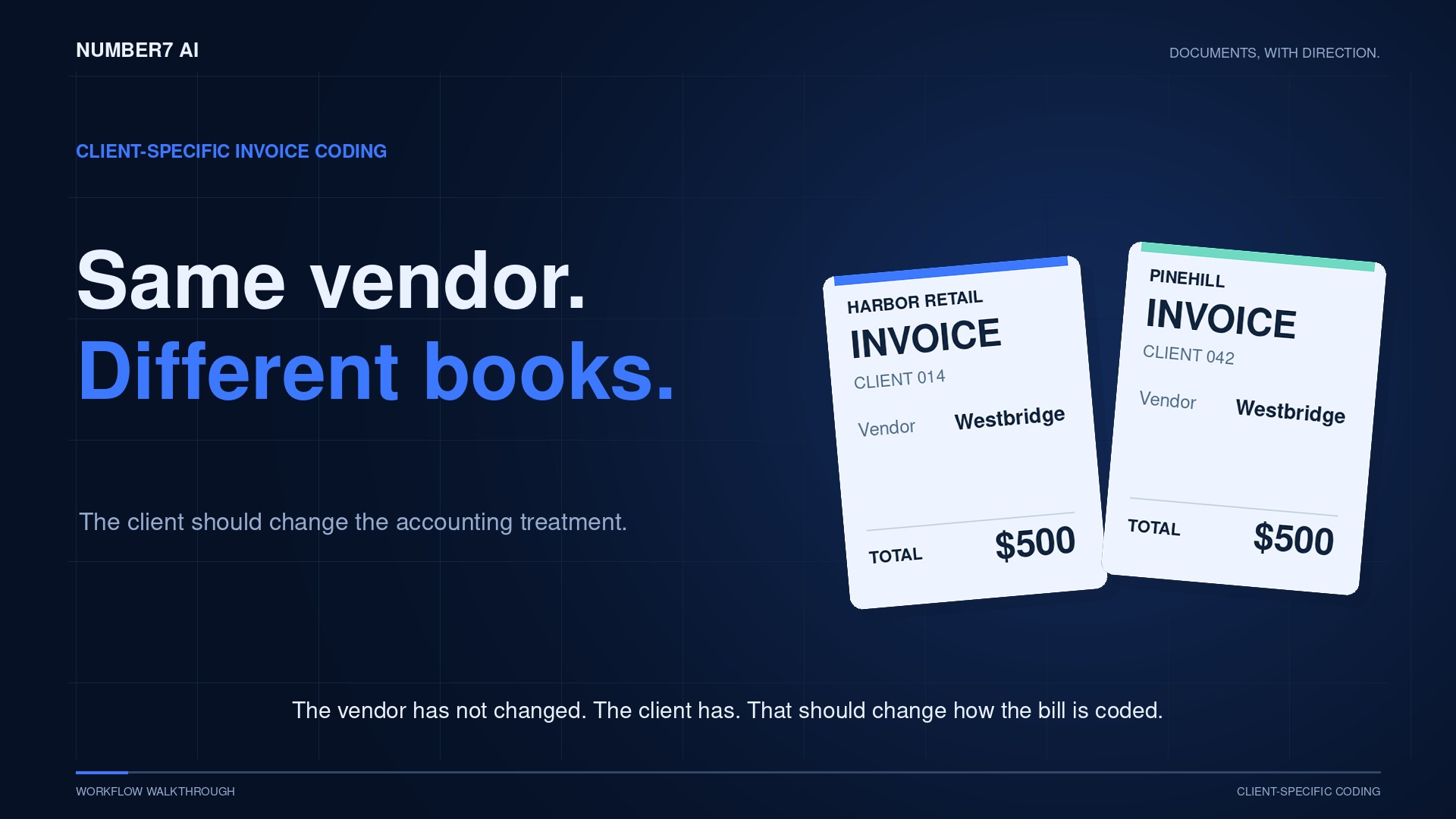
Animated workflow explanation 0270s · animated example
The vendor is the same. The client is different.
AIdaptIQ applies each client’s recurring-vendor context to future bills. Reviewers inspect changed business purpose; one client’s treatment does not become another client’s default.
Original example PDF included
 Watch 75s
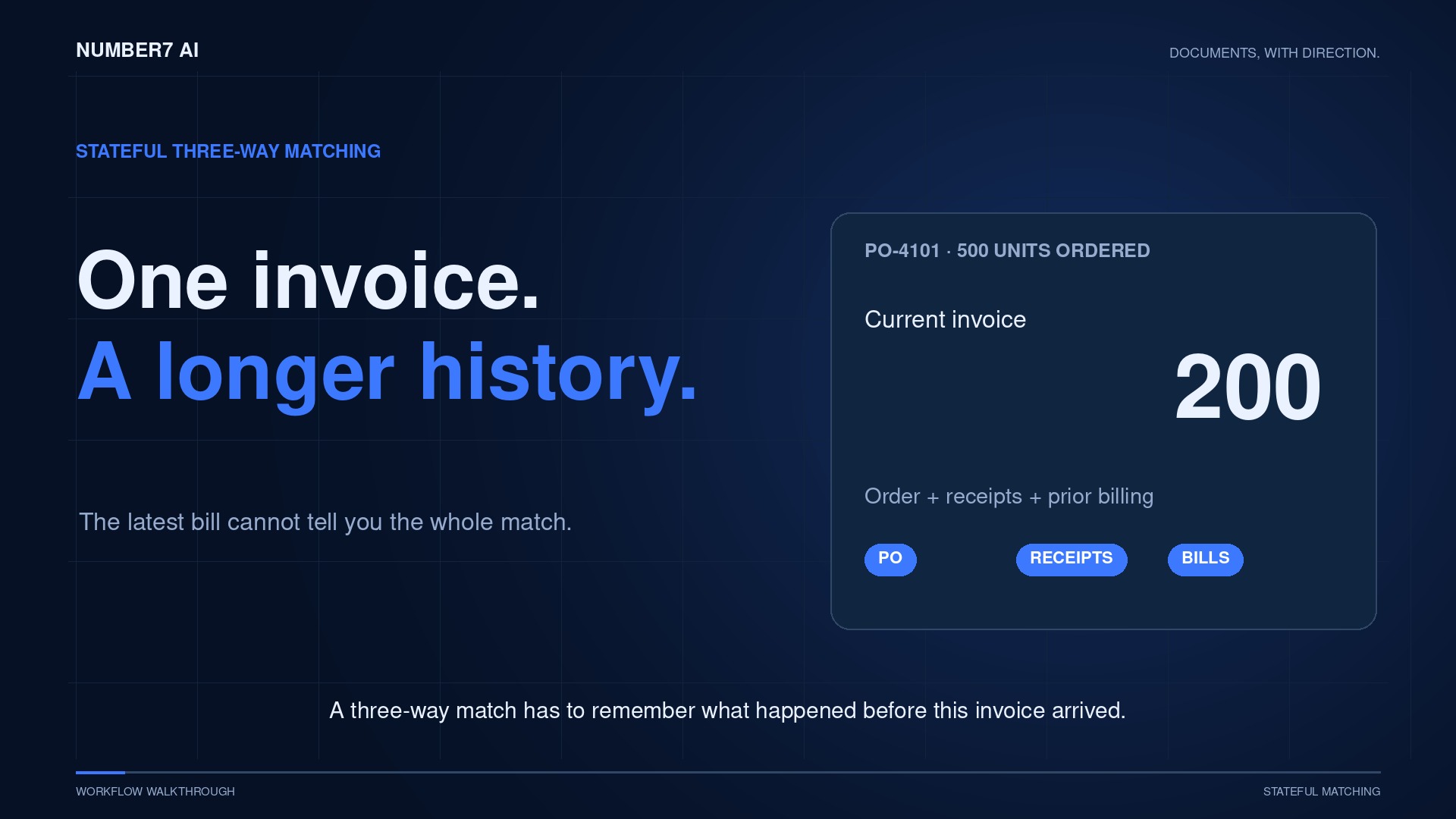
Animated workflow explanation 0375s · animated example
The latest invoice cannot tell you the whole match
AIdaptIQ carries partial receipts, cumulative invoices and receipt corrections into the match. At this example’s zero quantity tolerance, the 20 unsupported units require receipt or invoice resolution.
Original example PDF included
 Watch 72s
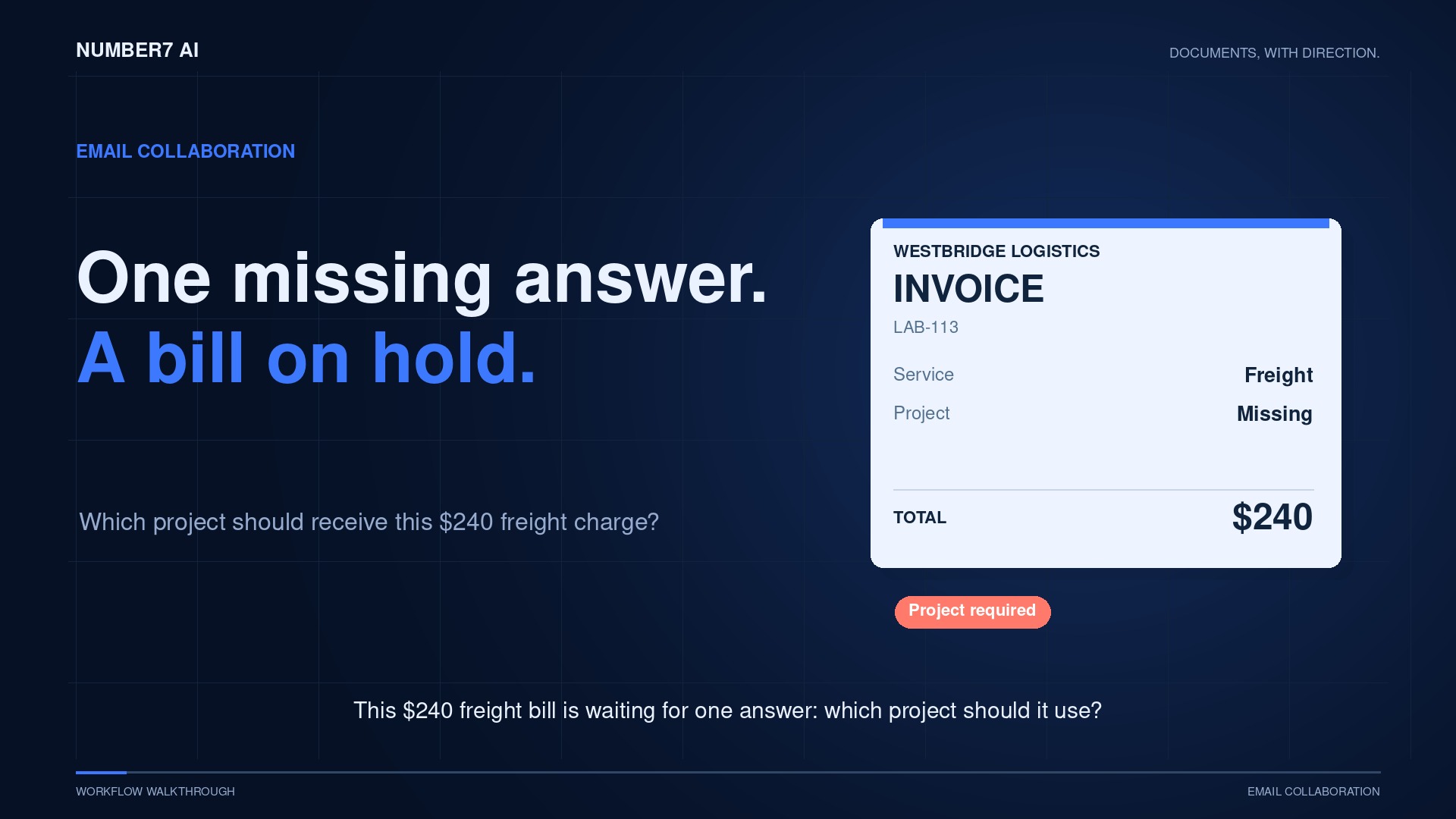
Animated workflow explanation 0472s · animated example
Your client replies by email. The answer stays on the invoice.
Clients and teammates reply from their usual email without an AIdaptIQ seat. The answer and conversation return to the originating invoice, update its workflow and retain configured review and approval.
Original example PDF included
Next step
Watch, then inspect the original sources.
The Invoice Error Lab keeps the PDF and worked decision together. Explore it without an account, then bring your own workflow to an evaluation.