Separate bills from email and bulk PDFs, check the numbers, apply each client’s coding and sync approved bills with QuickBooks. When evidence is missing, bring the question and the source to the right person.
500 units × $840 = $420,000. The arithmetic works; GRN-4102 supports only 300 units.
Arithmetic supported
Receipt gap retained
Approval still required
Next owner Warehouse receiving
Request the receipt for the remaining 200 units.
02 · Ask & retain
Ask with the source. Keep the answer here.
Waiting on receiving
Received 300Invoiced 500
“Please send the receipt for the remaining 200 units. Invoice INV-2048 and PO-1086 are attached.”
Invoice + PO attached
Reply returns to this bill
Approval still required
Next owner Warehouse receiving
Return the missing receipt by email. No platform seat required.
03 · Re-check & approve
New evidence. The same transaction.
Match passed · approval pending
Received 500Invoiced 500
GRN-4140 returns the missing 200 units. The receipt joins the invoice history and the quantity check re-runs.
Returned source retained
500 units now supported
Approval remains separate
Next owner Designated approver
Complete required approval before the accounting handoff.
Example invoice workflow. Required approval remains separate from matching.
From incoming file to approved bill
Every step leaves the next person less work.
A combined PDF should become individual bills. Readable amounts should reconcile. Recurring vendors should use the right client context. The remaining judgment should arrive with a clear question.
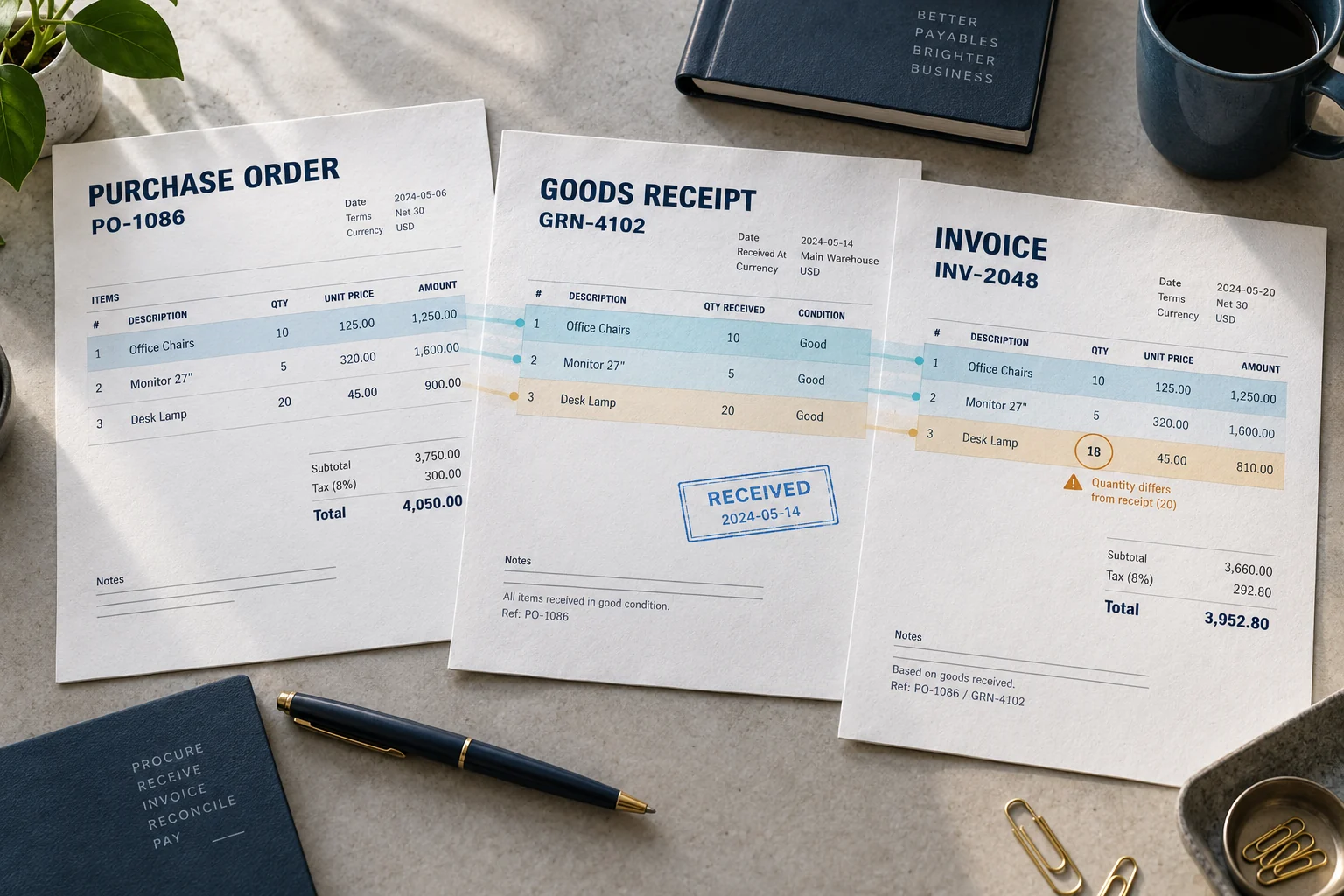
Explore AP automation →Order, receipt and invoice: three sources, one transaction. Editorial illustration; its pictured values are separate from the worked example.
01
Separate
Keep each bill and its continuation pages together.
Customer-reported results from three separate workflows. Each case states its scope; these figures are not a universal benchmark.
Recorded product workflow
See the operating product.
Existing AIdaptIQ product walkthrough. The source examples on this page are labelled separately.
What happens when evidence is missing?
The conversation stays on the invoice.
01
In AIdaptIQ · INV-2048
Ask with the bill attached.
“Please send the receipt for the remaining 200 units. Invoice INV-2048 and PO-1086 are attached.”
Receiving owns the evidence gap.
02
In the recipient’s email
Reply from the inbox.
“The remaining 200 units arrived. Attached: GRN-4140.”
No platform seat required.
03
Back on the same invoice
The answer stays with the work.
The reply and source join the previous conversation. The quantity check re-runs; required approval remains separate.
Match passed · approval pending
Keep the system that owns your books
Your accounting system stays authoritative.
EvidenceEmail · upload · APIAIdaptIQChecks · exceptions · approval contextAccounting systemAccepted bill · returned status
AIdaptIQ prepares and controls the operational work. The accounting system accepts the bill and returns its identifier or a failure. Recording payment state does not move money.
Free Invoice Error Lab
Read the source. Follow the decision.
Inspect arithmetic, invoice boundaries, client coding and changing receipt balances with original PDFs and checked answers.

 BY NUMBER7 AI