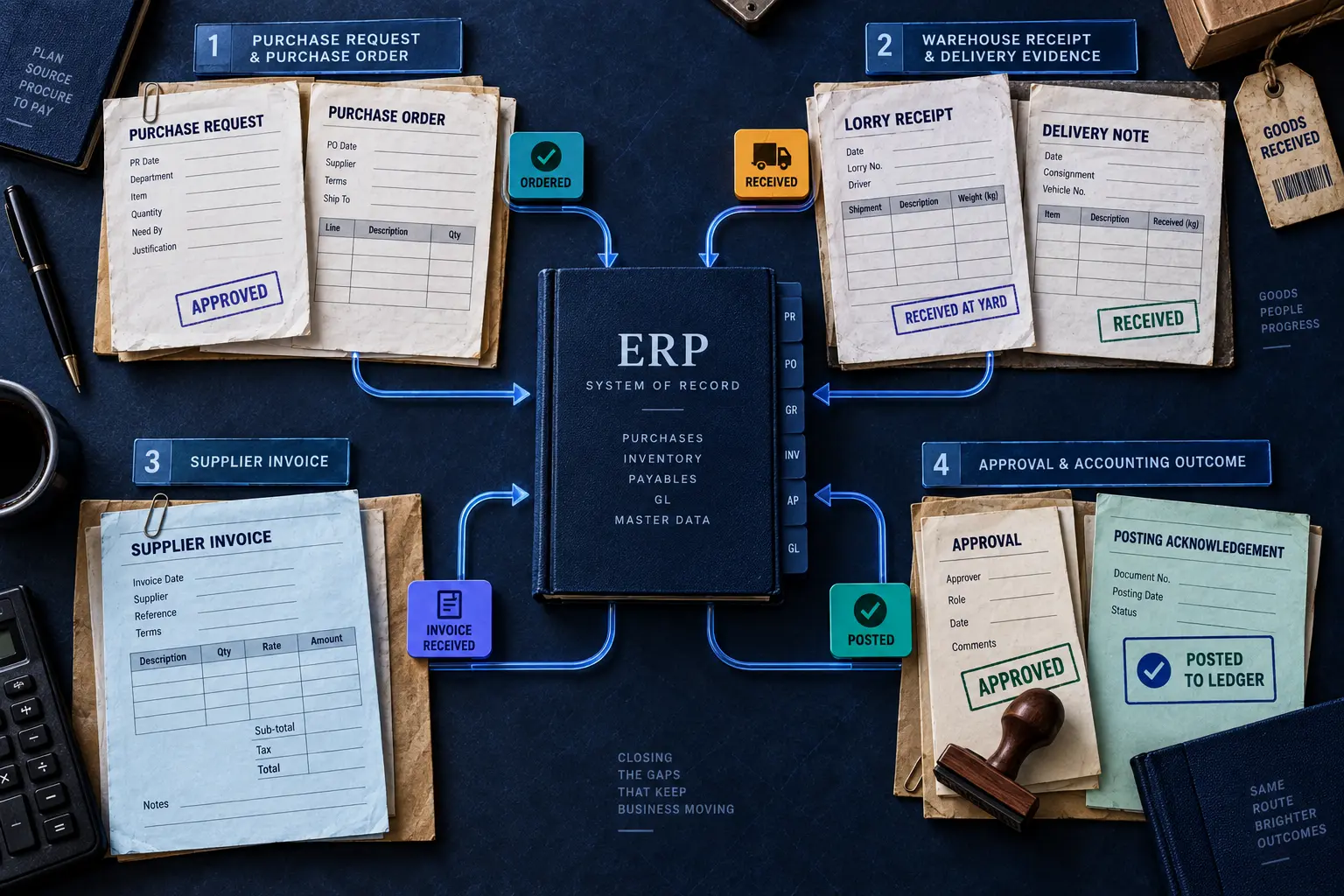
Resolve the AP blockers that still reach your people.
Connect invoice evidence, receiving, accounting decisions and required approval. Keep the ERP authoritative and give every failed handoff a visible owner.
Source support20 units unsupportedPO-4101 · hold for resolution
Required approvalA separate authority check before handoff.
ERP receives a supported, authorized bill.
The buyer answer
Where does AIdaptIQ sit in an enterprise AP stack?
AIdaptIQ manages source evidence, invoice controls, exception resolution and the authorized handoff around the ERP. Non-PO invoices use their required accounting and approval checks; PO-backed workflows add stateful PO, receipt and invoice matching. The ERP owns the accepted accounting record.
Editorial illustration · the ERP remains the system of record. The diagram is not an integration trace.
Select the work to close
Two invoice paths. One accepted accounting outcome.
Invoice + entity
Vendor, tax and coding
Required approval
ERP acceptance
A valid non-PO scope does not wait for goods-receipt matching it does not require. Missing entity, coding or approval remains an owned exception.
PO + receipt history
Cumulative invoice check
Required approval
ERP acceptance
Stateful three-way matching handles partial receipts, prior invoices and corrections. A one-time comparison of document totals cannot establish the remaining supported quantity.
The receipt correction changes the invoice decision.
PO-4101 · Quarry Supply Works
300 + 150 − 20 = 430Net quantity received
250 + 200 = 450Prior + current invoice claim
20 units unsupportedHold for receipt or invoice resolution
Send the exact gap to its owner.
The receiving owner supplies corrected evidence, or the supplier’s invoice is resolved. AIdaptIQ updates the matching state. Finance records any required approval before the ERP handoff.
Related production evidence: Pransform’s multi-client BPO workflow supports the processing and exception story. Its staffing figures are not measured enterprise ERP deployment results. Read the scoped case →
Next step
Map the AP seam causing the most blocked work.
Choose one invoice population, one receiving or approval exception and a defined ERP outcome. Confirm the deployment scope during the assessment.
Maintains cumulative purchase-order, receipt and invoice state across partial receipts, cumulative invoices and corrections, with the applicable matching and approval controls.
The recorded product-owner confirmation applies to the named capabilities. Deployment scope, integration permissions and approval requirements are agreed separately.

 BY NUMBER7 AI