01
Receive
Accounts payable
- Evidence
- Supplier invoice file
- Decision
- Accept into the workflow
- Output
- Original document retained

 BY NUMBER7 AIOpen AIdaptIQ ↗Book a demo →
Accounts payable workflow
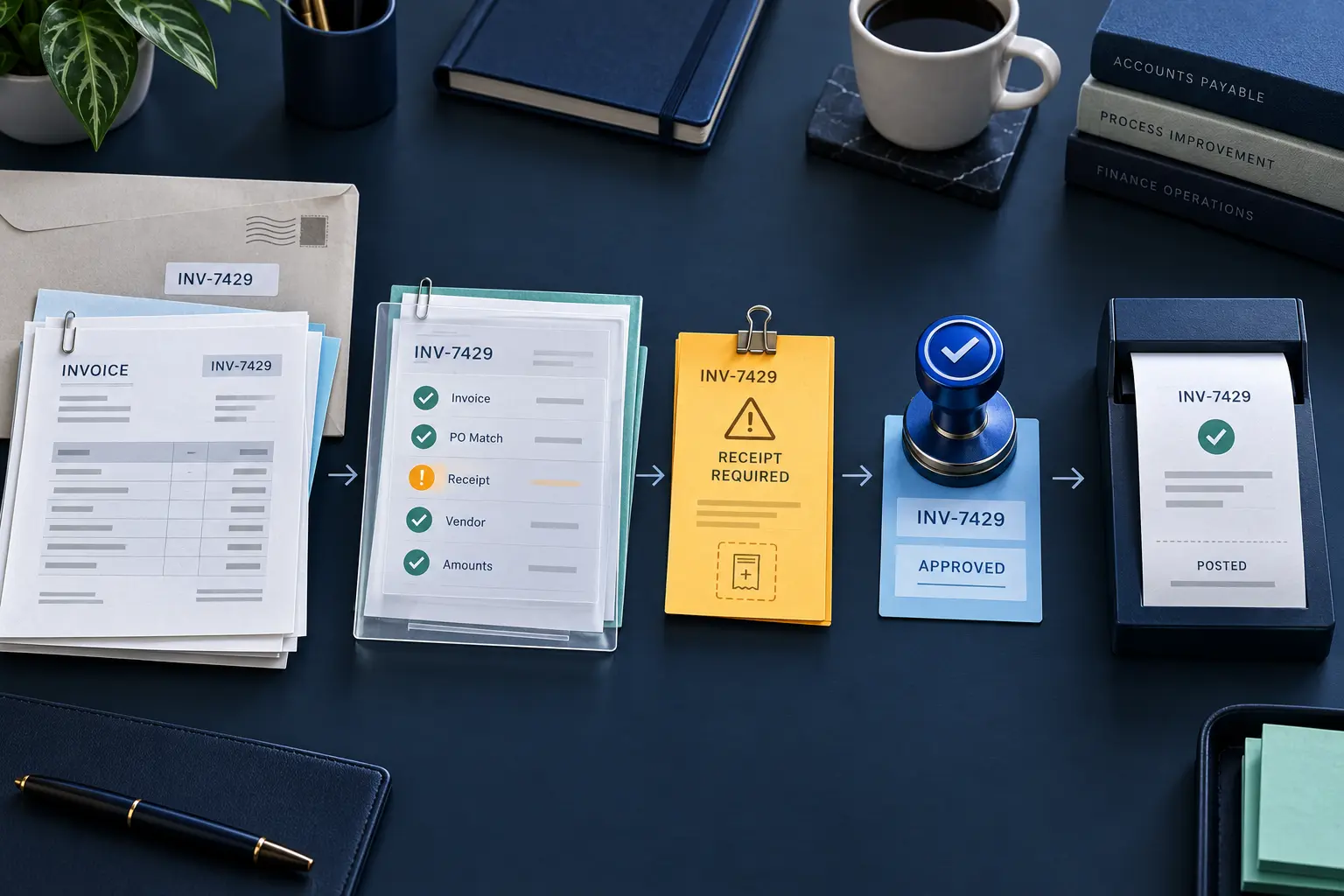
Receive, identify, check, code, approve and record the bill. When a check fails, interrupt the path with its source and owner. Track payment state separately from moving money.
Direct answer
An accounts payable workflow is the operating path from supplier invoice receipt through identity and evidence checks, accounting treatment, exception resolution, required approval and an accepted accounting-system outcome. Payment and reconciliation state are tracked from the relevant system; recording state does not execute a payment.
AP workflow checklist
Accounts payable
Accounts payable
AP and receiving
Accountant
Designated approver
Accounting system
AP and treasury
A process reference: configure the owners and control rules against your own purchasing and approval policies. No email is required to download the checklist.
Two possible paths
Routine invoice
Exception
PO-backed: compare the invoice with the order, receipts and previous billing. Partial deliveries need cumulative state.
Non-PO: confirm business purpose, entity treatment and approval policy. A missing PO alone is not a rejection when policy permits non-PO spending.
Three places the path must stop
Posting waits for the missing receipt or a permitted policy resolution. The receiving owner gets the specific gap.
Repair a recoverable extraction error against the source or retain the conflicting invoice in review. Approval does not supply missing arithmetic support.
Retain its response and owner. Reconcile an uncertain timeout before retrying; no accepted posting is assumed.
Illustrative controls, not measured customer outcomes.
Approval, posting and payment
Recorded product workflow
Existing AIdaptIQ product walkthrough. The source examples on this page are labelled separately.
Free Invoice Error Lab
Inspect arithmetic, invoice boundaries, client coding and changing receipt balances with original PDFs and checked answers.
Terms and sources
Updated 9 October 2026. The owners and controls above are a Number7 AI process reference. The recorded product demonstration is separate from the illustrative examples. For multi-client delivery, explore invoice automation for accounting firms and CAS.
Intuit reference: Enter bills and record bill payments in QuickBooks Online.